A look inside
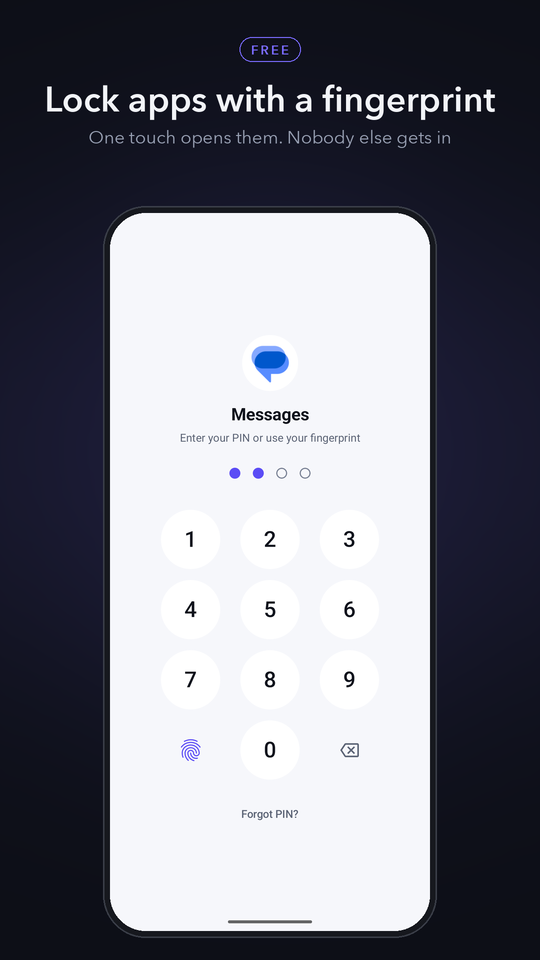
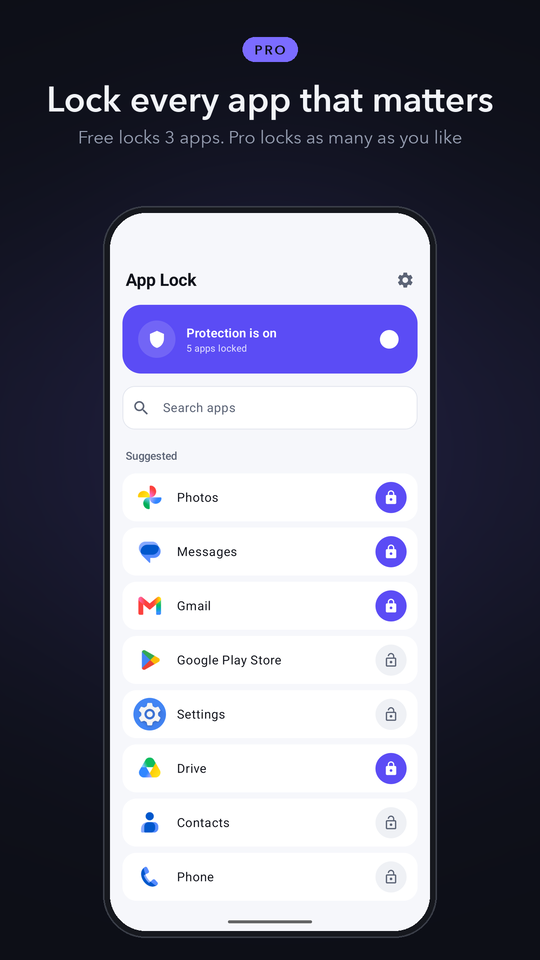
Put WhatsApp, your photos, messages or any other app behind your fingerprint or a PIN. Lend your phone without worrying about what someone opens.
Fingerprint and PIN locking is free. Pro lifts the three-app limit.
Choose the apps that matter: chats, photos, messages, email, banking, the Play Store, even Settings. Anyone opening them meets your lock screen first.
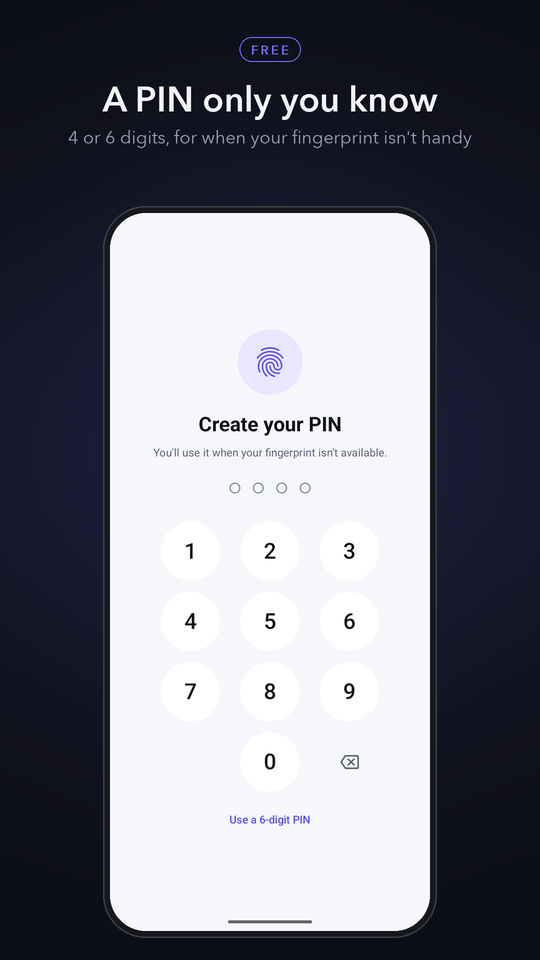
Your fingerprint opens a locked app in a second. Everyone else needs your 4- or 6-digit PIN.
Lock again the moment you leave an app, after a minute or five, or only when the screen turns off (Pro).
Five wrong PINs in a row pause the lock screen for 30 seconds, so a 4-digit PIN cannot be tried through quickly.
Protection comes back on its own when the phone restarts or the app updates.
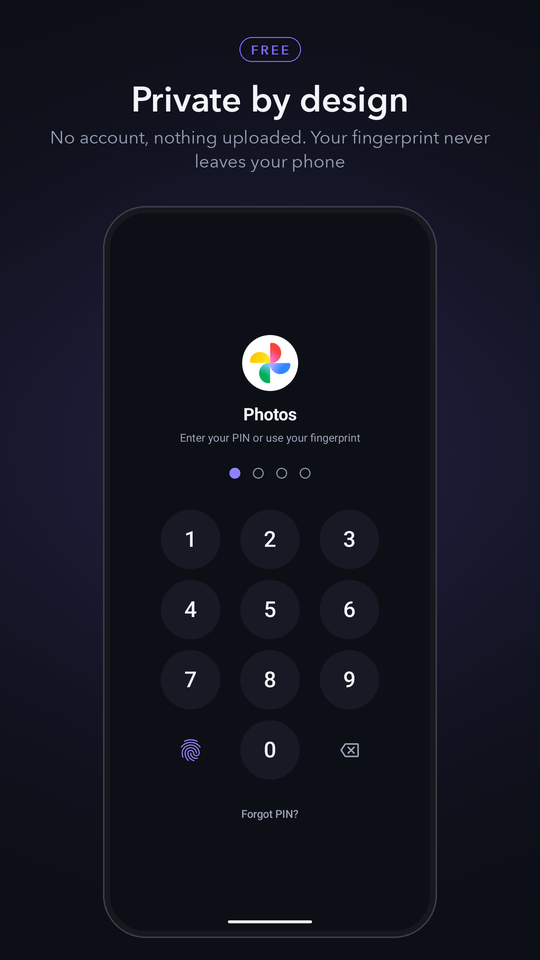
No account and no server. Your PIN is stored only as a salted hash on the phone, and your fingerprint never leaves Android's secure hardware.
Pick a 4- or 6-digit PIN and turn on fingerprint unlock.
Allow usage access and display over other apps, so App Lock can see which app you open and cover it with the lock screen.
Tap the lock next to any app. That's it: the next time it opens, it asks for you.
What you get without paying, stated exactly.
Fingerprint and PIN locking for up to three apps, with every lock-screen protection.
Pro locks as many apps as you like, lets you choose when apps lock again, and removes the ads.
Billed through Google Play. Cancel any time in your Play account settings.
Android only tells an app which app is in front if you allow usage access. App Lock reads it on the phone, a few times a second while the screen is on, only to know when a locked app opens. It is never uploaded.
So the lock screen can appear on top of the app you just opened. Without it the locked app would open freely.
The PIN cannot be recovered, by design. Open your phone's Settings, then Apps, App Lock, Storage, and tap Clear data. That removes every lock and you can set a new PIN.
No. Android checks your fingerprint in its secure hardware and only tells App Lock whether it matched.
It checks which app is in front only while the screen is on, and stops completely when the screen is off.
Android requires a visible notification for any app that keeps working in the background. It shows how many apps are protected; you can hide it in the notification settings.
Everything about how App Lock: Fingerprint & PIN handles your data, in plain language.
What the app collects, what it does not, and who it is shared with.
The terms you agree to by using the app, including subscriptions.
Common problems, and how to reach a human.